

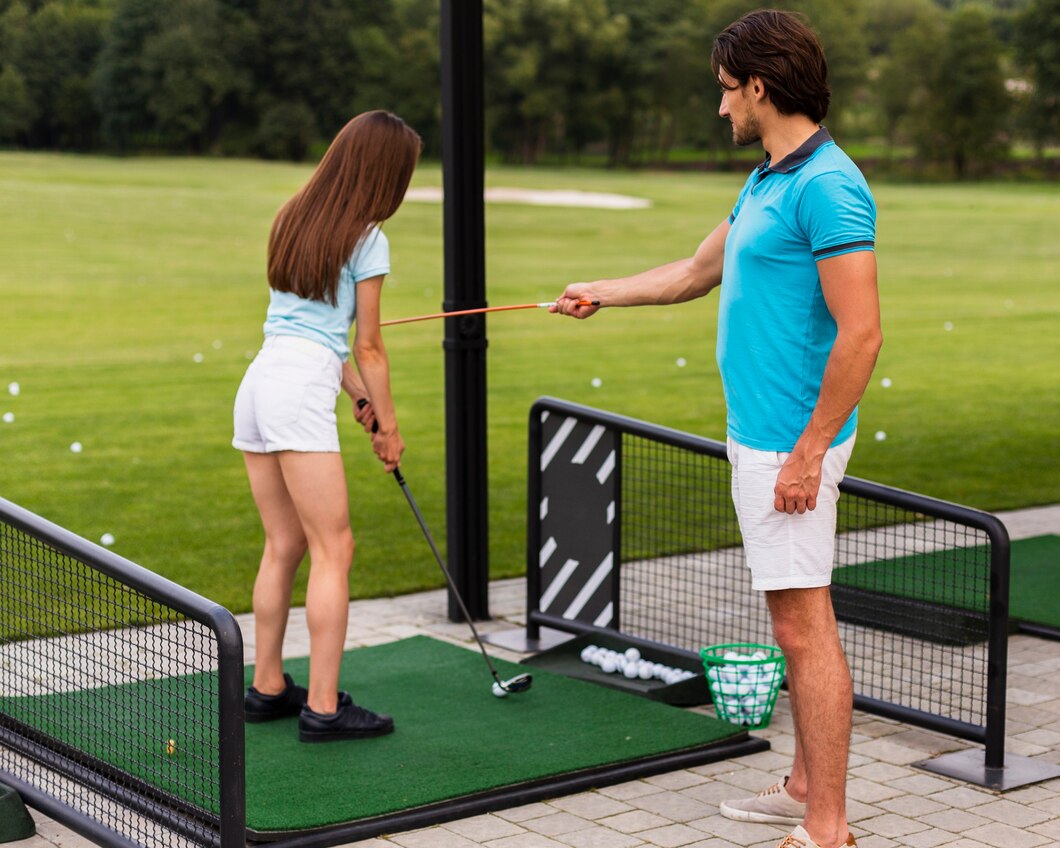
Golf simulators have come a long way in the last few years. What used to feel like a novelty is now a serious training and entertainment setup for golfers of every level. Whether you’re building a dedicated home studio, fitting out a garage bay, or upgrading a commercial simulator space, the right accessories make the difference between “it works” and “it feels like a real golf facility.”
If you’re upgrading your setup, two of the smartest first steps are choosing high-quality golf mats for realistic turf feel and comfort, then pairing them with an accurate launch monitor to capture reliable ball and club data for practice and simulator rounds. To complete the build, investing in the strongest golf simulator screens ensures durability, crisp image quality, and the ability to withstand high ball speeds—giving you a safer, more immersive indoor golf experience from tee to green.
Start with a solid foundation: stance surface and hitting area
Your simulator is only as good as the surface you’re standing and swinging on. A poor-quality mat can cause inconsistent contact, unrealistic turf interaction, and even extra strain on wrists and elbows over time. On the other hand, the right mat provides stable footing, proper ball height, and a consistent strike zone that lets you groove your swing without constantly resetting.
When you’re choosing your hitting surface, focus on:
- Realistic turf interaction: You want fibres that allow the club to “enter” the surface slightly, not bounce off it.
- Shock absorption: A well-designed base reduces fatigue and joint impact.
- Replaceable strike panels: Heavy practice can wear one spot quickly—swappable hitting strips are a smart long-term feature.
- Size and stance room: Consider whether you need a full stance mat, a hitting strip insert, or a modular system you can expand.
It’s also worth thinking about who will use the simulator. If you have multiple golfers in the household, a larger stance area and a durable strike zone can keep sessions flowing without constant adjustments.
Launch monitor positioning and calibration
Once you have a dependable hitting area, your next priority is getting clean, consistent readings. Even the best device can struggle if it’s placed poorly or used in a space that makes data capture difficult.
Key considerations include:
- Proper placement distance: Follow the recommended spacing between unit, ball, and screen/net.
- Lighting consistency: Avoid harsh glare, deep shadows, or flickering light sources near the hitting zone.
- Level surfaces: If the monitor sits on an uneven floor, readings can be affected.
- Repeatable ball position: Marking a consistent ball spot (subtly) can improve reliability.
When everything is aligned, you’ll notice fewer mis-reads and more confidence that your practice sessions reflect what would happen outdoors.
Nets, screens, and impact protection
One of the biggest mistakes people make is underestimating how much force a golf ball carries indoors. Even with careful planning, you need the right equipment to contain shots and protect walls, ceilings, and nearby objects.
Your two main options are:
- Impact screens: Best for a full simulator experience with a projector. Choose a screen designed for repeated impacts, reduced bounce-back, and good image clarity.
- Practice nets: Ideal for limited space, budget-friendly builds, or hitting sessions without projected gameplay.
Beyond your main stopping system, consider extra protection:
- Side barrier nets or curtains: Great for off-centre strikes and high-handicap variability.
- Foam wall padding: Helps reduce marks and damage in tight spaces.
- Ceiling baffles: Useful if you have low ceilings or tend to launch wedges high indoors.
A well-protected bay doesn’t just prevent damage—it also creates confidence. When you’re not worried about the room, you swing more freely.
Tees, inserts, and ball-position consistency
It sounds simple, but tee height and ball position are critical for realistic simulation. Many golfers end up practising with awkward setups that don’t translate outside.
Look for:
- Adjustable rubber tees: For drivers and fairway woods.
- Integrated tee holders: Some mats include built-in tee systems.
- Hitting strip inserts: Replaceable strike zones maintain consistent “fresh turf” feel after heavy use.
- Alignment aids: Subtle guides can improve setup consistency without turning the mat into a training gimmick.
Consistent setup leads to consistent contact—and consistent contact is what makes simulator practice truly valuable.
Lighting, projection, and visual immersion
For simulator setups with a projector, the right accessories can dramatically improve image quality. You want a bright, sharp picture on the impact screen without shadows, glare, or washed-out colours.
Consider:
- Projector mount (ceiling or wall): Keeps the unit secure, aligned, and out of the swing zone.
- Short-throw projector: Helps reduce shadows in smaller spaces.
- Ambient light control: Curtains or blinds improve contrast and immersion.
- Cable management: Cleaner setup, fewer trip hazards, and less wear on connectors.
If you play rounds on sim software often, a crisp image makes the experience more enjoyable—and that means you’ll use the setup more.
Comfort and usability upgrades that get you practising more
Accessories aren’t only about performance metrics. Comfort and convenience matter, especially if you plan to practice regularly.
Smart add-ons include:
- Anti-fatigue underlay: Reduces stress on knees and feet during longer sessions.
- Speaker setup or soundbar: Adds realism and fun for simulator rounds.
- Club rack and ball storage: Keeps your space tidy and ready to go.
- Ventilation or a fan: A must-have in garages or smaller rooms.
These upgrades might feel optional, but they often become the difference between a simulator you use weekly and one that gathers dust.
Setup tips to get the most from your accessories
Once you’ve chosen your accessories, a few simple principles can help everything work together:
- Measure your space carefully (width, ceiling height, depth), then buy equipment that fits without compromise.
- Prioritise safety first: screen/net quality and padding matter more than aesthetics.
- Build around your data capture: placement, lighting, and consistent ball position reduce mis-reads.
- Create a repeatable hitting zone: same mat position, same stance area, same routine.
- Leave room to expand: many golfers start simple and upgrade as they use the setup more.
The takeaway
Golf simulator accessories aren’t just “nice to have”—they’re what turn a basic indoor hitting area into a reliable, enjoyable, and realistic practice environment. Start with the essentials (a quality hitting surface, accurate measurement, and proper protection), then add comfort and immersion upgrades over time. With the right setup, every session becomes more productive—and a lot more fun.
